Is USB-C the same as Thunderbolt? The plug is shared, the abilities are not
USB-C names the shape of a connector. Thunderbolt names what can run through it. A port can look identical and do very different things.

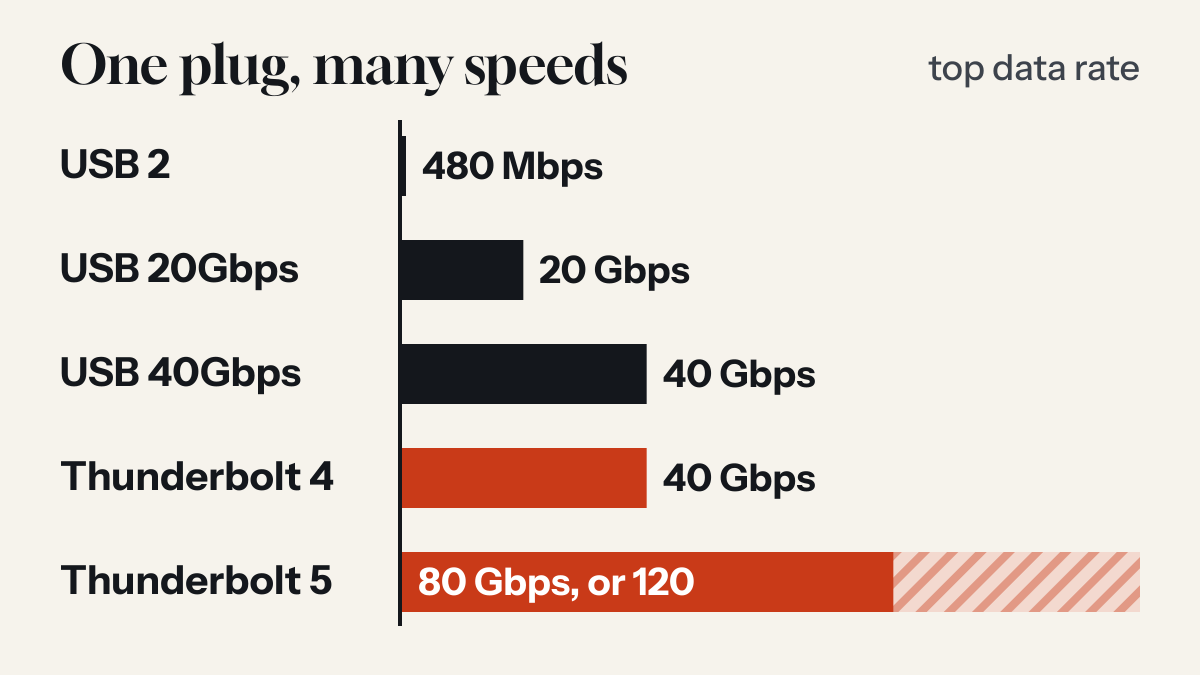
One plug, several technologies
Intel, which is the steward of the Thunderbolt specification, describes Thunderbolt as working through a USB-C connector by using USB 2, USB 3, USB4, DisplayPort and PCIe protocols. Its list of uses is monitors, docks, storage, external graphics and other accessories.
USB itself spans a wide range over the same connector. USB-IF's logo guidelines describe performance logos for 5, 10, 20, 40 and 80 Gbps, and they note that USB 2.0 Type-C cables carry data at up to 480 Mbps, whatever their power rating. The guide to USB-C cables covers those labels.
How Thunderbolt and USB4 relate
The two are close relatives. USB-IF says USB4 is based on the Thunderbolt protocol specification contributed by Intel, and Intel lists USB4 compliance as a requirement for Thunderbolt 4 and Thunderbolt 5.
What separates them is what gets promised. USB-IF says a USB4 connection scales to the best mutual capability of the devices connected. Intel sets minimums that a product must meet to carry the Thunderbolt name, and says it validates and certifies all products bearing the Thunderbolt logo.
What Thunderbolt requires
| Thunderbolt 4 | Thunderbolt 5 | |
|---|---|---|
| PC speed | 40 Gbps | 80 and 120 Gbps |
| PC video | Dual 4K | Dual 6K |
| PC charging, on at least one port | Required up to 100 W | Required up to 140 W |
| Power for accessories, per PC port | 15 W minimum | 15 W minimum |
| Universal cables, up to 2 metres | 40 Gbps | 120 Gbps |
The two Thunderbolt 5 figures describe one link used in two ways. Intel says it delivers 80 Gbps in each direction, and that a feature called Bandwidth Boost can rebalance the link when a display needs more, giving 120 Gbps to transmit and 40 Gbps to receive.
How to tell which port you have
Look for the Thunderbolt symbol, a lightning bolt, beside the port. Apple's guide to Mac ports uses it this way, and it also shows why the check matters: on Mac Studio models with M1 Max or M2 Max, the USB-C ports on the front are for devices that connect by USB-C cable, while an external display goes in a port on the back with the Thunderbolt symbol.
If you are unsure, check the specification for your model. Apple's guide lists its ports Mac by Mac.
What about cables?
Apple says a Thunderbolt 3, 4 or 5 cable connects to a Mac's Thunderbolt or USB-C port without an adapter, and so does a USB-C cable such as its 60W charge cable. Fitting is not the same as reaching top speed. USB-IF ties its top rate to 80 Gbps certified cables, and Intel rates universal Thunderbolt cables of up to 2 metres at 40 Gbps for Thunderbolt 4 and 120 Gbps for Thunderbolt 5.
Does any of this matter for charging?
Less than it does for data and displays. Charging a phone comes down to the charger, the cable's power rating and what the phone accepts, which the guide to USB-C Power Delivery explains. Where the Thunderbolt name helps is on a computer, because Intel requires a charging level on at least one port.
Common questions
Can I plug a USB-C device into a Thunderbolt port?
Thunderbolt works through a USB-C connector and uses USB protocols among others. Apple, for example, says its Thunderbolt 5 ports connect devices that use a Thunderbolt cable or a USB-C cable.
Is USB4 the same as Thunderbolt?
No. USB-IF says USB4 is based on the Thunderbolt protocol specification contributed by Intel. Intel requires Thunderbolt 4 and Thunderbolt 5 products to comply with the USB4 specification, and sets further requirements of its own.
Sources
- Thunderbolt 5 Technology Brief Intel, 2023
- USB4 Specification USB Implementers Forum
- USB Type-C Cable Logo Usage Guidelines USB Implementers Forum, January 2026
- Identify the ports on your Mac Apple Support
- Adapters for the Thunderbolt or USB-C port on your Mac Apple Support
Read next
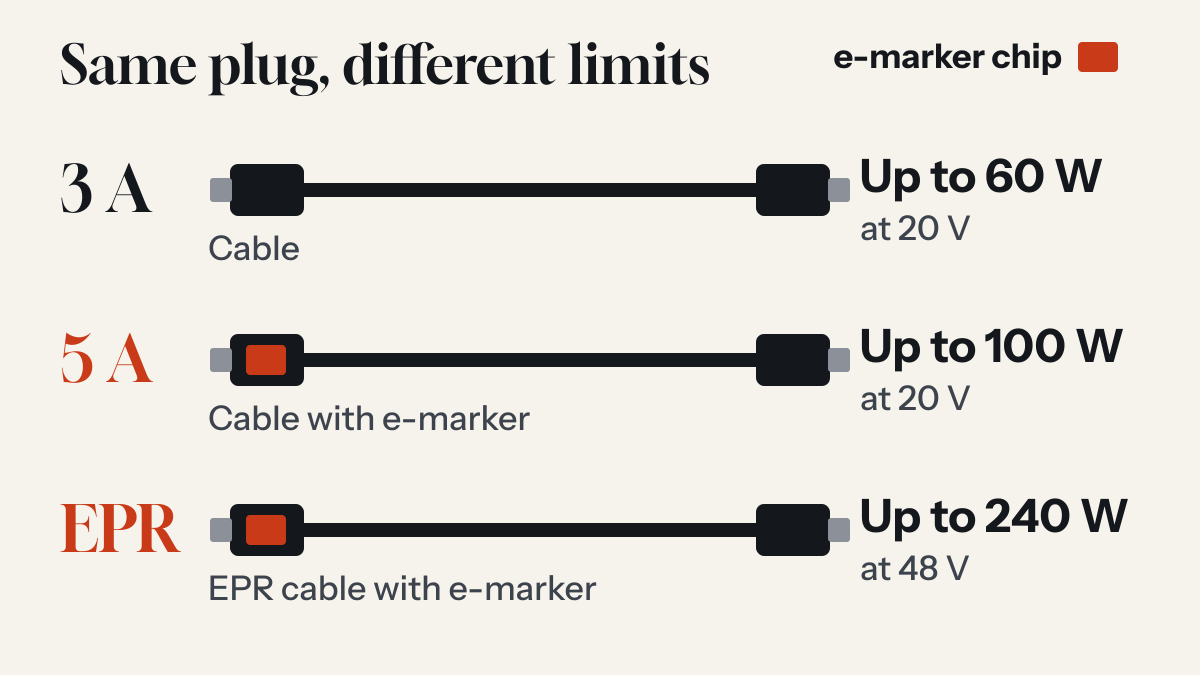
Are all USB-C cables the same? What the e-marker chip does
The plugs match. What the cable can carry does not, and some cables contain a small chip whose job is to say so.
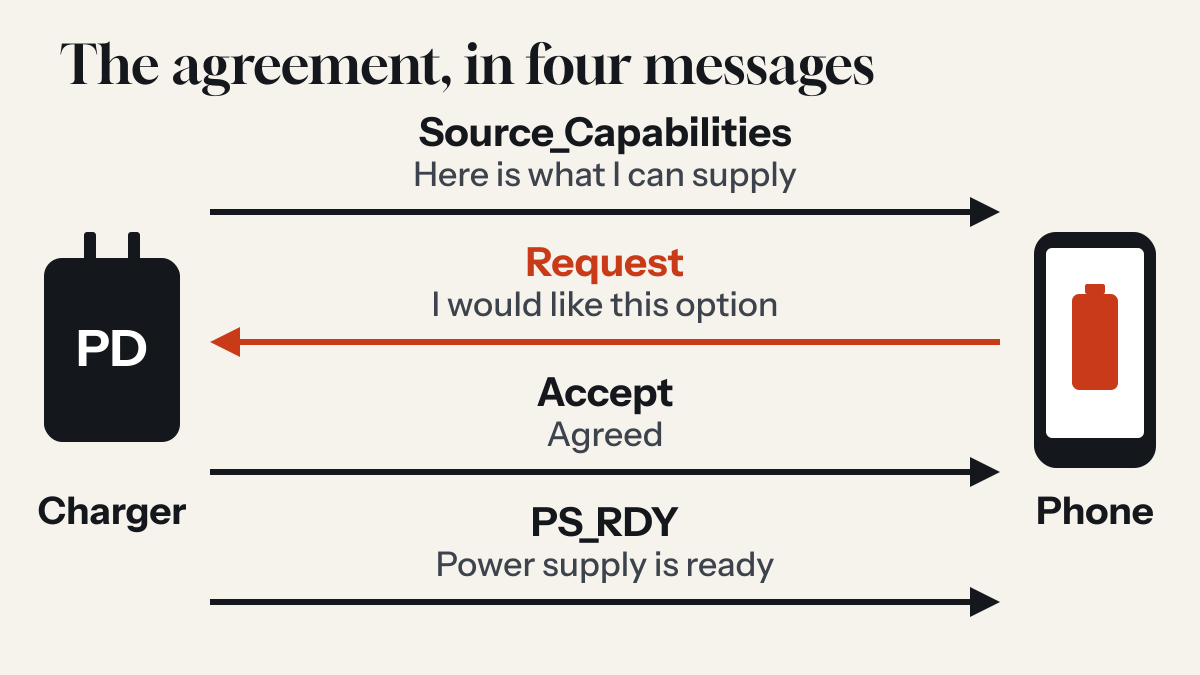
How USB-C Power Delivery works: the short conversation before your phone charges
A USB-C PD charger does not simply push power at your phone. It lists what it can supply, the phone asks for what it wants, and only then does the voltage change.
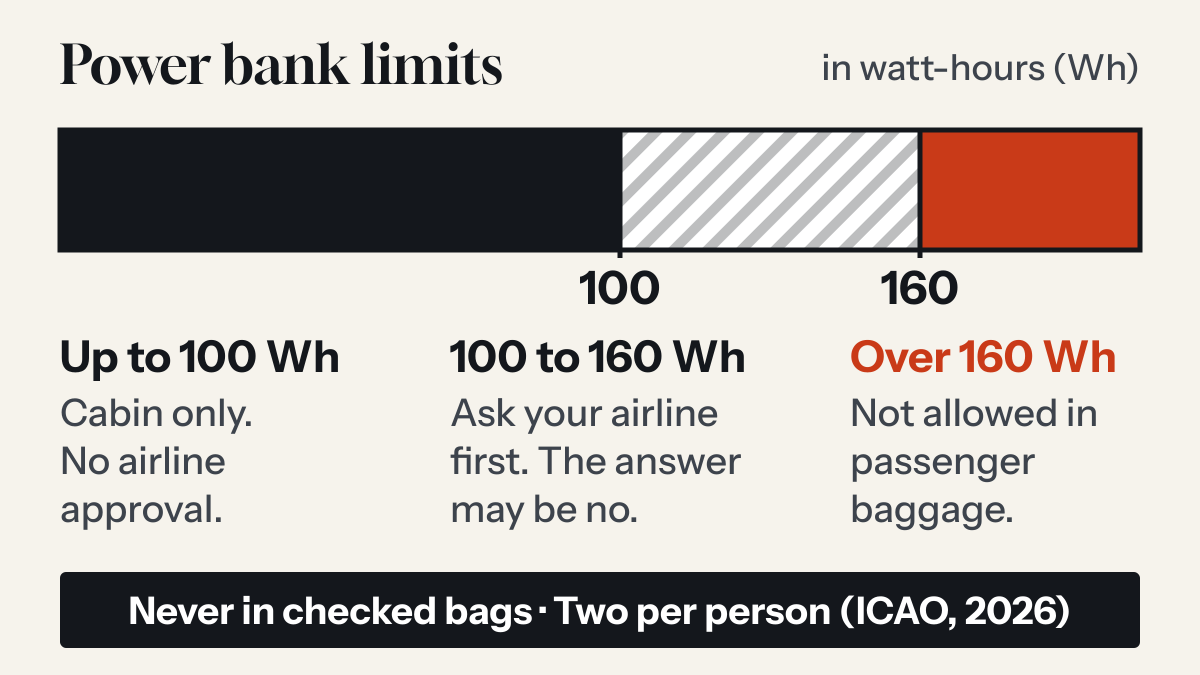
Can you take a power bank on a plane? The rules after the March 2026 change
Yes, in your carry-on and never in checked bags. International rules tightened in 2026: two per person, and no recharging the power bank on board.